LILYGO
T-CAN485
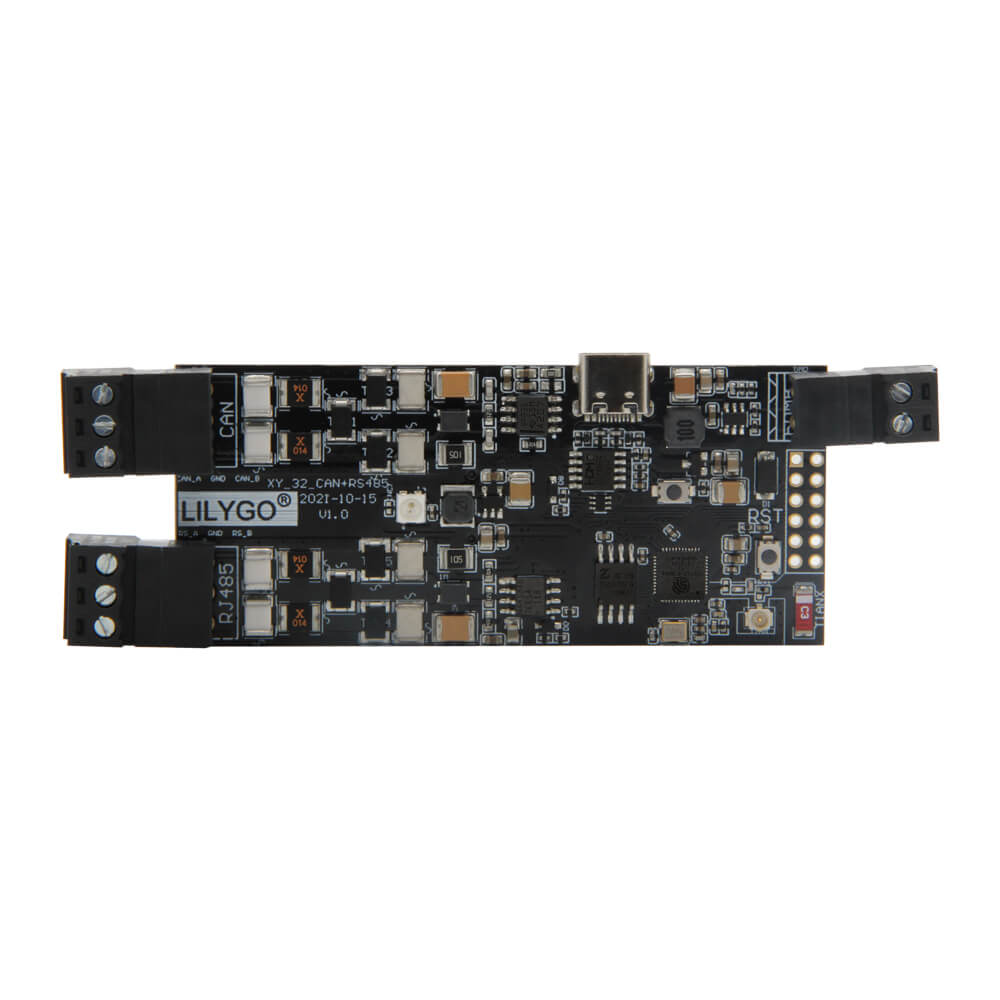
Start with the essentials.
One CAN channel connects to the vehicle network. Designed for the project's core functions.
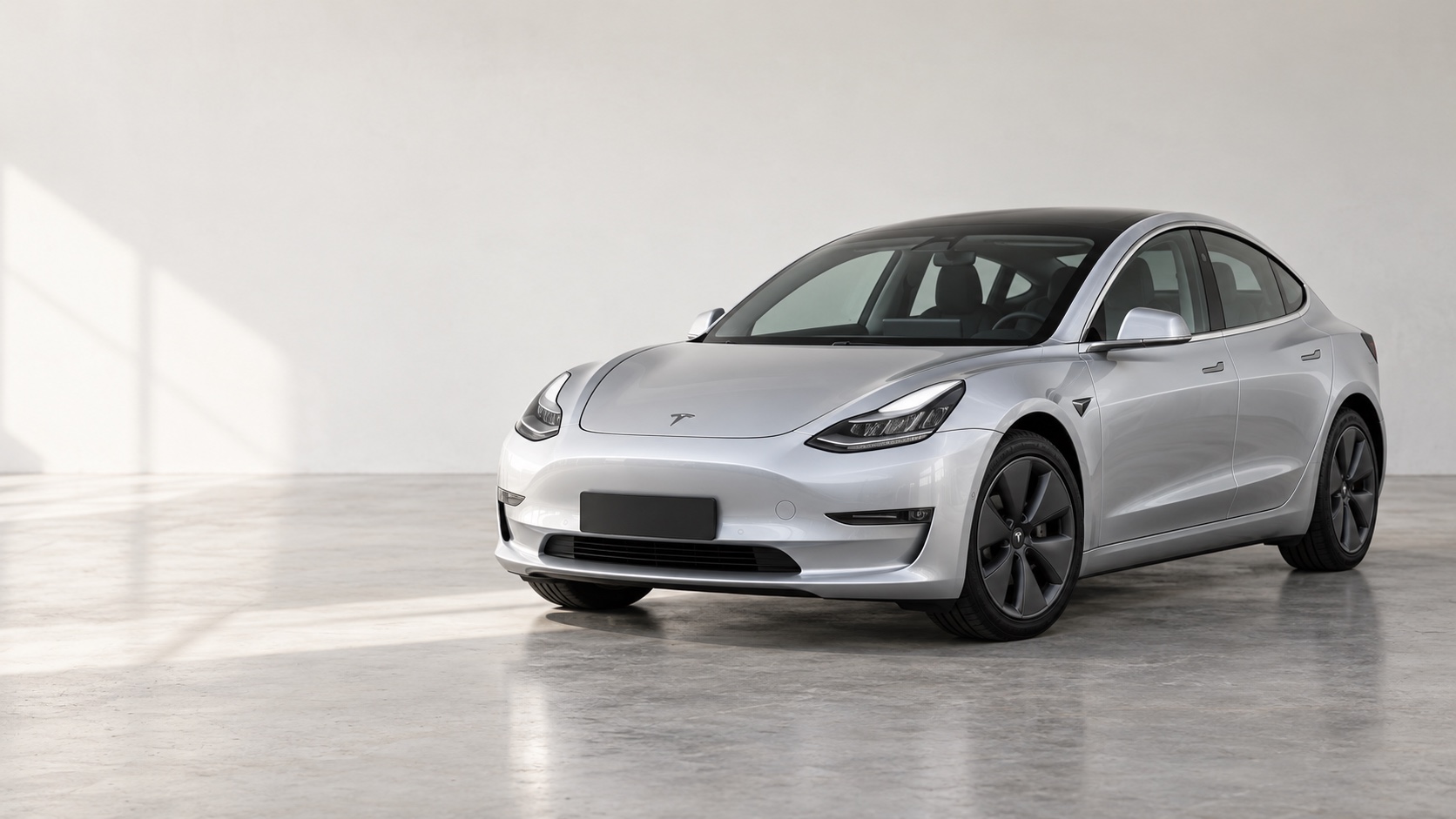
A DIY PROJECT FOR YOUR TESLA
View battery data and control preheating from your phone with a DIY module. You buy the board and prepare it yourself.
Basic features are completely free.
YOUR CAR. YOUR SETUP.
01 / CHOOSE YOUR DIY SETUP
One CAN for the essentials.
Two CAN for the full feature set.
LILYGO
One CAN channel connects to the vehicle network. Designed for the project's core functions.
LILYGO
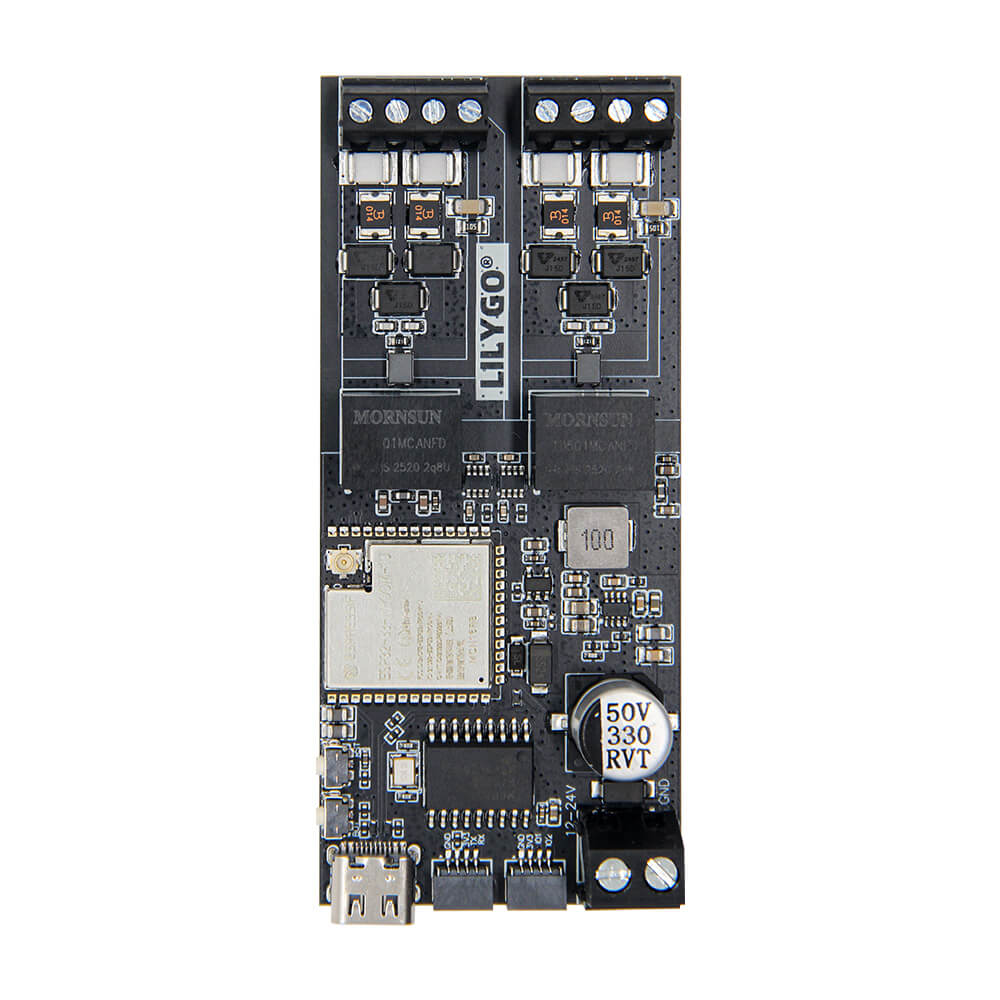
Connects between the car's computer and vehicle network. Designed for the full feature set.
| Feature | T-CAN4851 CAN | T-2CAN2 CAN |
|---|---|---|
| BoostAdditional acceleration options for compatible vehicles. | Not included in this board's feature set | Included in this board's feature set |
| PerformanceA separate performance configuration for compatible vehicles. | Not included in this board's feature set | Included in this board's feature set |
| European lightsEuropean lighting configuration for supported hardware. | Not included in this board's feature set | Included in this board's feature set |
| LFP retrofitVehicle configuration after a compatible battery replacement. | Not included in this board's feature set | Included in this board's feature set |
| Full battery capacityAccess to available battery energy on compatible vehicles. | Not included in this board's feature set | Included in this board's feature set |
| Ambient lightingTurn stock ambient lighting on or off under the vehicle’s normal lighting rules. | Included in this board's feature set | Included in this board's feature set |
| Rear seat heatingChoose a heating level for each of the three rear seats. | Included in this board's feature set | Included in this board's feature set |
| Track ModeTrack settings, presets and custom handling controls. | Included in this board's feature set | Included in this board's feature set |
| Creep / Hold / RollChoose a supported low-speed driving and stopping mode. | Included in this board's feature set | Included in this board's feature set |
| KickdownSwitch from Chill to Standard at a defined pedal threshold. | Included in this board's feature set | Included in this board's feature set |
| Battery insightsCharge, temperatures, cell voltages, energy and insulation readings. | Included in this board's feature set | Included in this board's feature set |
| Battery preheatRequest battery heating and monitor the reported heating state. | Included in this board's feature set | Included in this board's feature set |
| TheaterVehicle entertainment controls. | Not included in this board's feature set | Included in this board's feature set |
| Drift ModeA dedicated mode for closed-course driving. | Included in this board's feature set | Included in this board's feature set |
| Front fog lightsRequest front fog lights; the vehicle applies its normal lighting rules. | Included in this board's feature set | Included in this board's feature set |
| Regeneration controlAdjust the regeneration limit in 10% steps; 100% restores vehicle control. | Included in this board's feature set | Included in this board's feature set |
| Acceleration testsMeasure from an accelerator press at standstill to 100 km/h. | Included in this board's feature set | Included in this board's feature set |
| Background timingRecord acceleration intervals without a continuous phone connection. | Included in this board's feature set | Included in this board's feature set |
| TPMS statusTire-pressure sensor status and warnings. | Included in this board's feature set | Included in this board's feature set |
| Driver attentionSettings for the vehicle’s driver attention system. | Included in this board's feature set | Included in this board's feature set |
| Hard resetService restart of selected vehicle modules. | Included in this board's feature set | Included in this board's feature set |
| Cell imbalanceMonitor cell voltage differences and investigate associated diagnostic messages. | Included in this board's feature set | Included in this board's feature set |
| Insulation historyTrack battery insulation resistance over time. | Included in this board's feature set | Included in this board's feature set |
| StrobesHigh-beam stalk emulation with adjustable timing. | Included in this board's feature set | Included in this board's feature set |
| Advanced service menuAn extended service menu with vehicle service procedures. | Included in this board's feature set | Included in this board's feature set |
02 / USING THE APP
After USB setup and installation in your car, your phone connects directly to the board over Bluetooth.
On Android, use Chrome. On iPhone, get Bluefy from the App Store (opens in a new tab) .
Sign in to your account and choose Open mobile app.
Turn on Bluetooth and stay near your powered board. Tap Connect, then Connect via Bluetooth, and select your board.
Reconnect whenever you need to make changes or check readings. The board keeps your settings and works without your phone.
INTERACTIVE APP PREVIEW
Try the controls. Simulated data, no board needed.
03 / GETTING STARTED
Choose a LILYGO board and a compatible harness. You buy the hardware yourself; it does not arrive with T-Tool installed.
Connect the new board to a computer with a USB data cable. Install the project firmware before connecting it to the car. No VIN needed.
After USB setup, install the board with the compatible harness. Open the app on your phone and pair over Bluetooth.
THE ESSENTIALS
No. You buy the LILYGO board and compatible harness yourself. Install the project firmware over USB, before the board goes into your car.
No. Prepare a new board at your computer with a USB data cable, disconnected from the car. You do not need a VIN for this step. Vehicle setup comes after installation in the car.
Support depends on the model, vehicle configuration and board. Check the feature comparison for each board.
Use a computer for the first USB installation and manage your account on any screen. Real vehicle controls are phone-only and connect nearby over Bluetooth. On a computer, the app link shows a QR code for your phone.
T-CAN485 connects to one CAN network for the core setup. T-2CAN connects between the car’s computer and vehicle network, enabling the full feature set. Compare the feature set for each board.
The board stores settings and runs the functions locally. Reconnect your phone when you want to make changes or see fresh readings.
Yes. Basic features are free. You supply the board and compatible connection hardware.